Computer Graphics
Texture & Shadows


Transformations & Projections
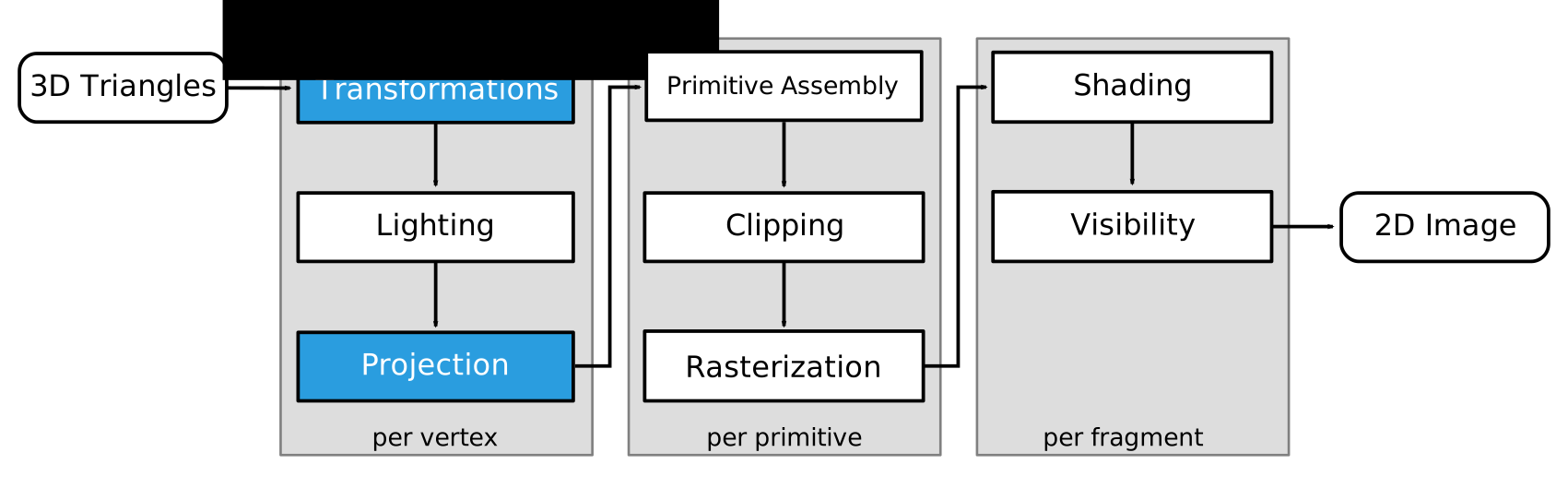
Lighting
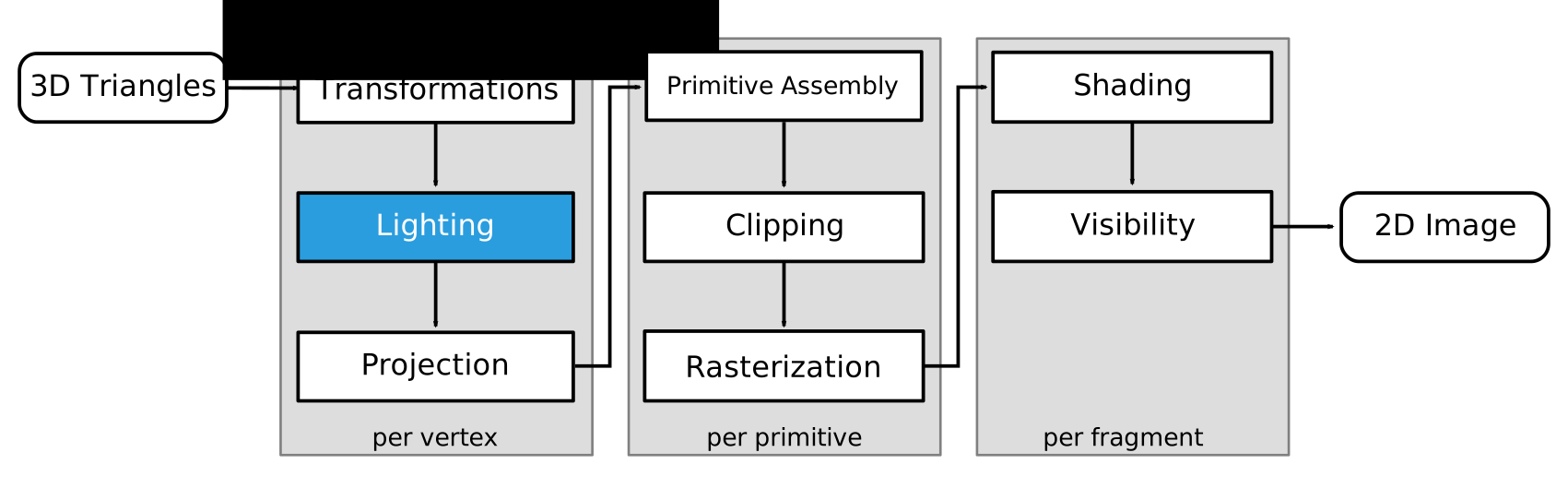
Rasterization
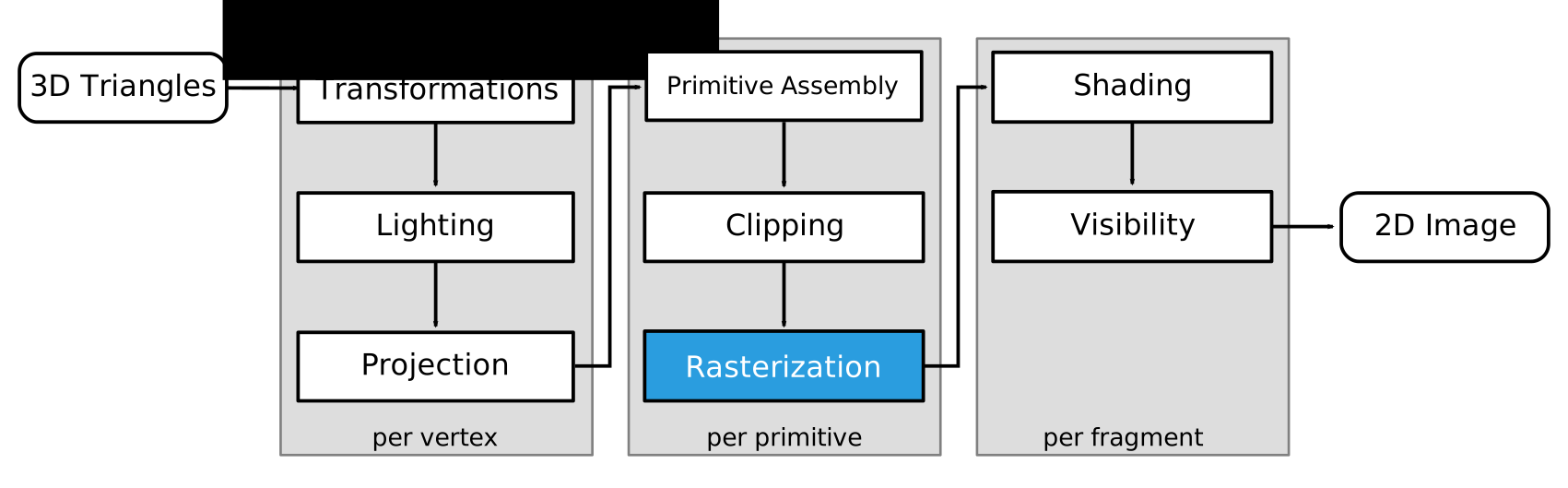
Visibility
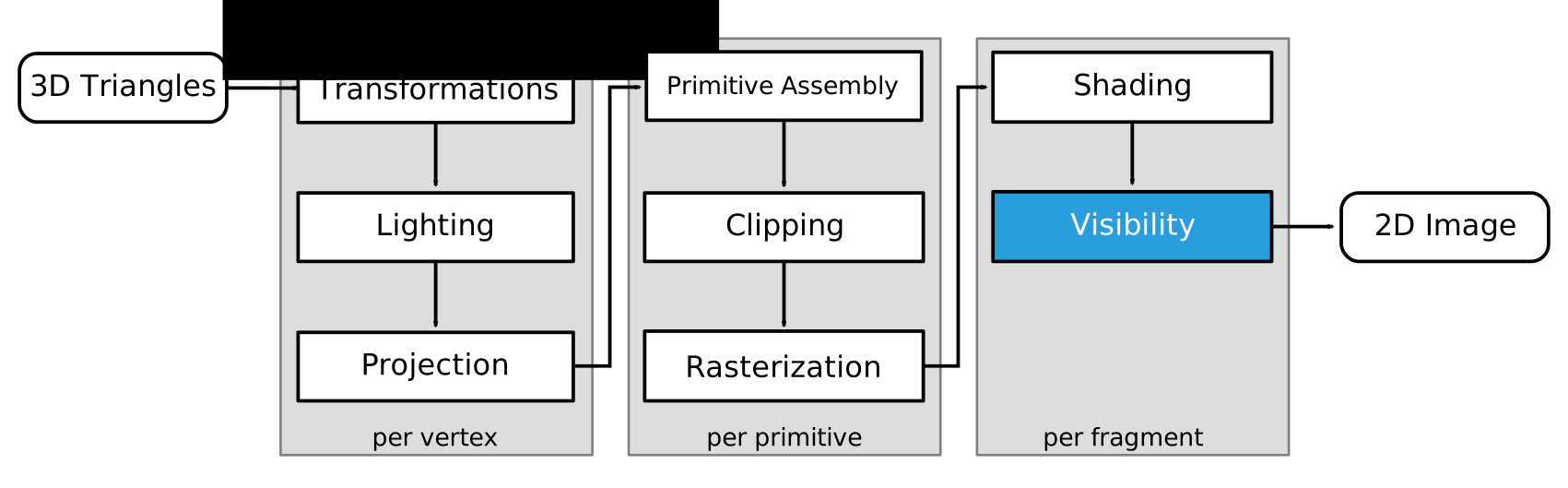
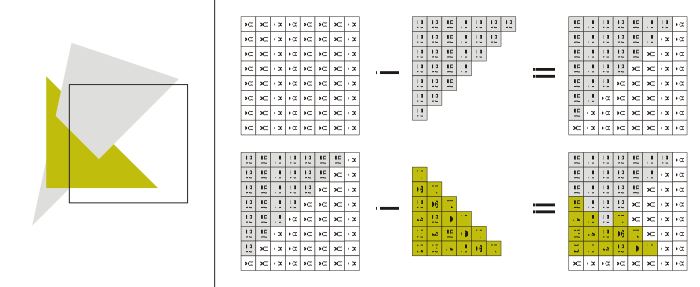
Z-Buffer
- Store current min. z-value for each pixel
- After model transformation, view transformation, projection transformation, and viewport transformation
- Additional buffer for depth values
- Framebuffer stores RBG color values
- Depth buffer (z-buffer) stores depth values
- Storage: additional 16 to 32 bits per pixel
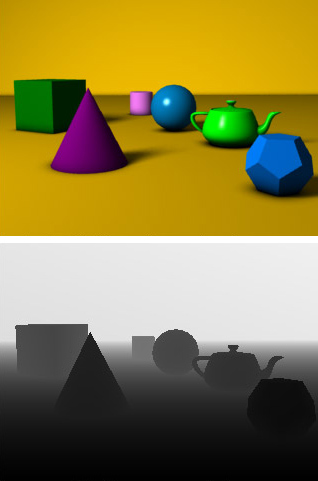
Z-Buffer
Materials & Texture
So far: color/material varies per model or per vertex
Textures add visual detail without raising geometric complexity: Paste 2D images onto 3D geometry
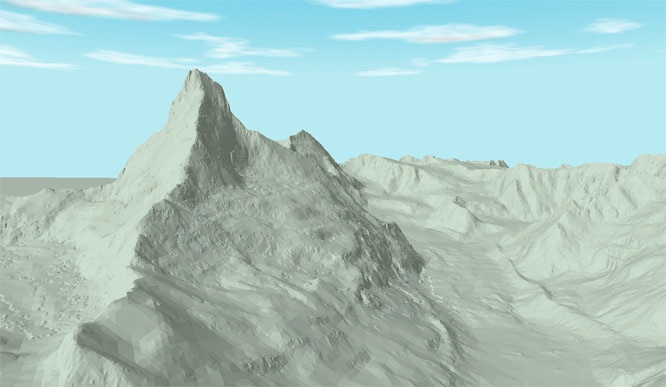 Geometry
 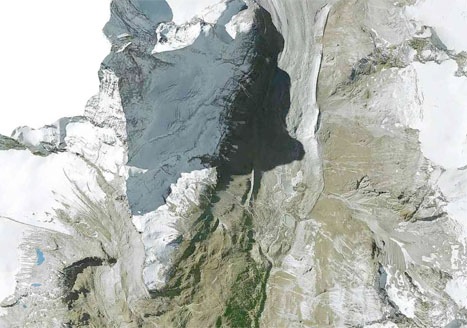 Texture
 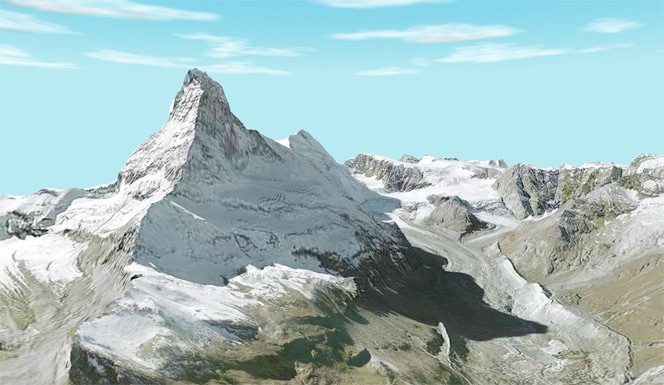 Textured Mesh
Materials & Texture
So far: color/material varies per model or per vertex
Textures add visual detail without raising geometric complexity: Paste 2D images onto 3D geometry
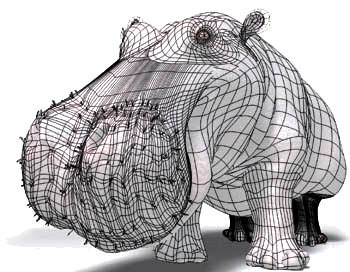 Geometry
 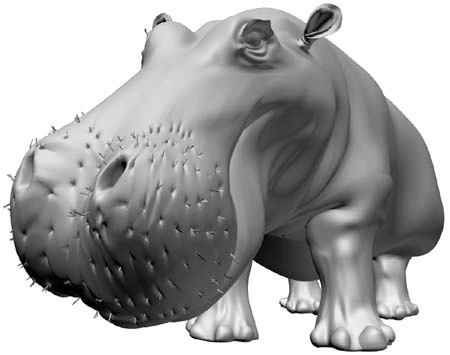 +Lighting
 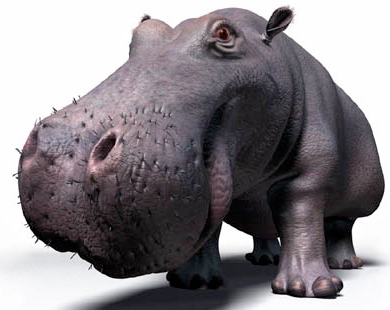 +Texture
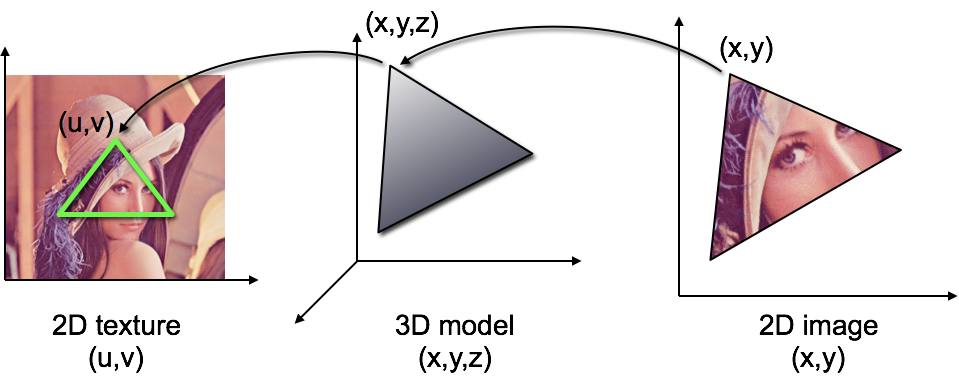
Texturing One Triangle
- Assign 2D texture coordinate \(\vec{u}=(u,v)\) to each vertex
- Interpolate texture coordinate by barycentric coordinates \[ \vec{u}\of{\vec{X}} = \alpha \vec{u}\of{\vec{A}} + \beta \vec{u}\of{\vec{B}} + \gamma \vec{u}\of{\vec{C}} \]
- Fetch color value from texture: \(\vec{c}\of{\vec{x}} = \mathrm{texture}\of{\vec{u}\of{\vec{x}}}\)
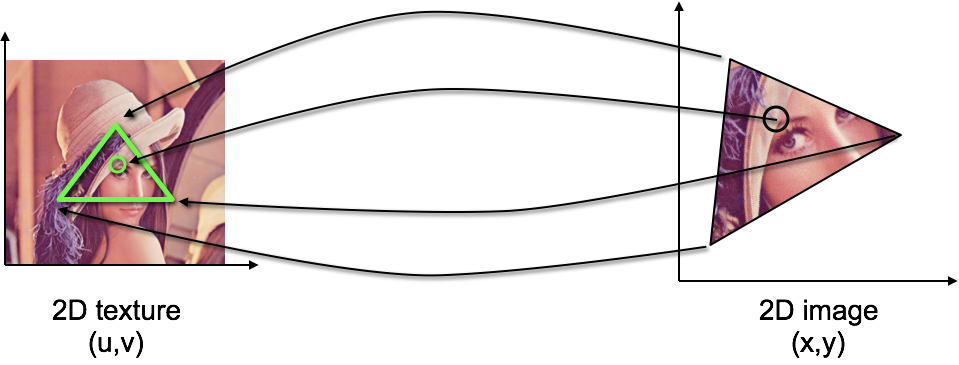
Texturing One Triangle
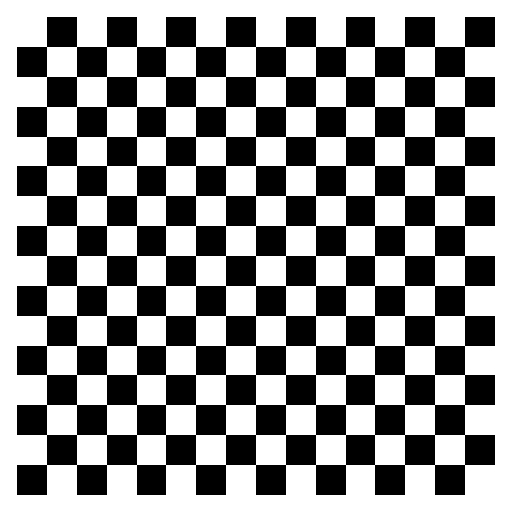
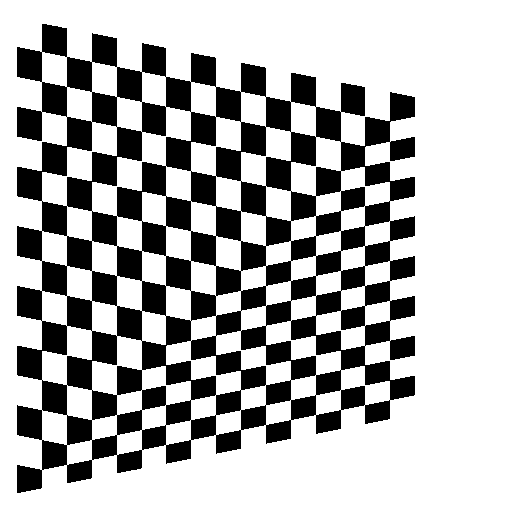
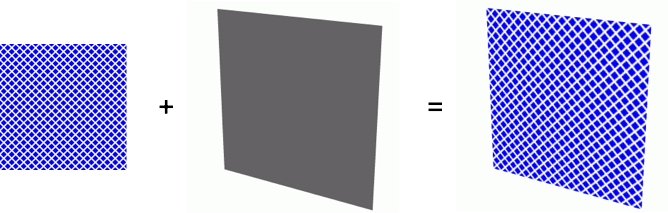
perspectively incorrect
Perspective Interpolation
- Linear interpolation in world coordinates yields nonlinear interpolation in screen coordinates!
- Choose screen-space (
noperspective) or perspective (smooth) interpolation for vertex shader outputs (smoothis default)
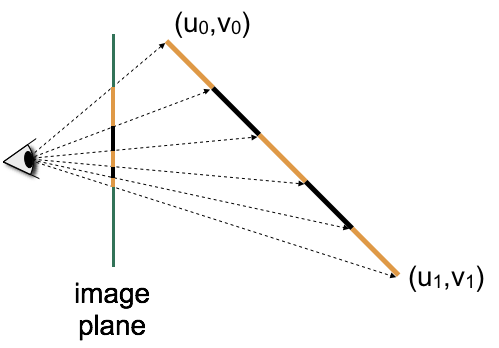
Texturing One Triangle
- Assign 2D texture coordinate \(\vec{u}=(u,v)\) to each vertex
- Interpolate texture coordinate by barycentric coordinates in 3D object space
- Fetch color value from texture
Texturing One Triangle
perspectively incorrect
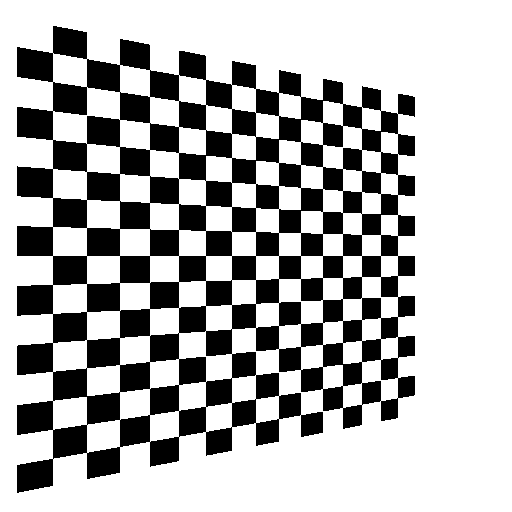
perspectively correct
Texturing a Triangle Mesh
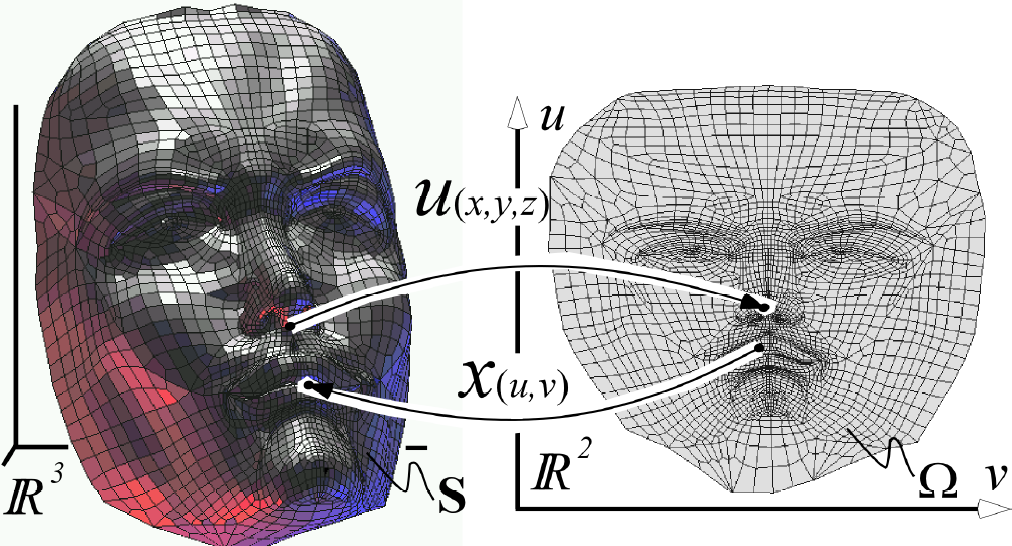
- How to find texture coordinates for each vertex?
- Find parameterization: Mapping between 2D texture space and 3D object space
- See lecture 3D Geometry Processing (Spring)
Simple Parameterizations
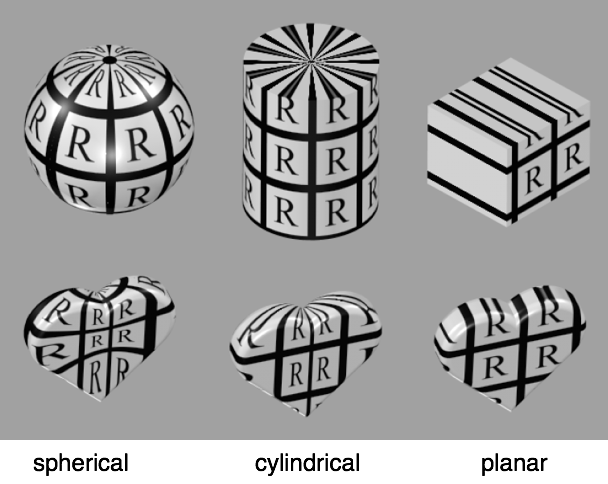
Sphere Parameterization
\[ \vector{ \phi \\ \theta } \mapsto \vector{ \cos\phi \, \cos\theta \\ \sin\phi \, \cos\theta \\ \sin\theta } \]
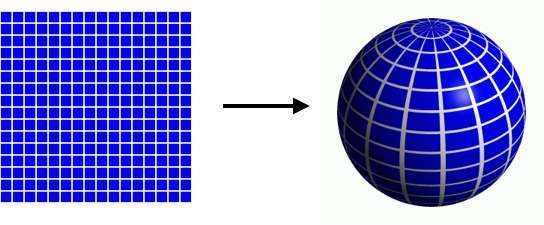
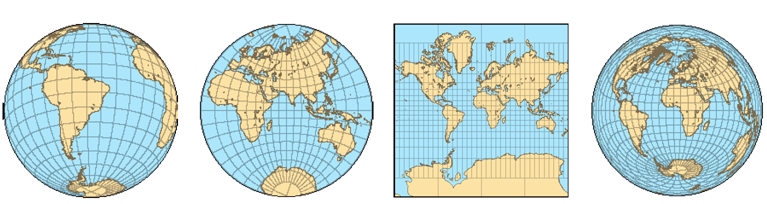
Cartography
- Many ways to parameterize a sphere!
- Some parameterizations have special properties:
- preserve angles (conformal, 2nd image)
- preserve areas (equi-areal, 4th image)
Low-Distortion Parameterization
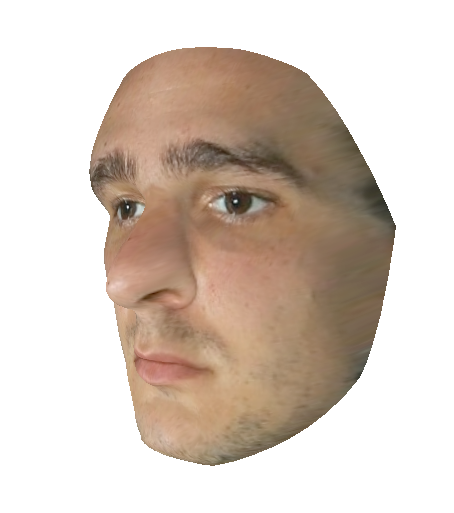

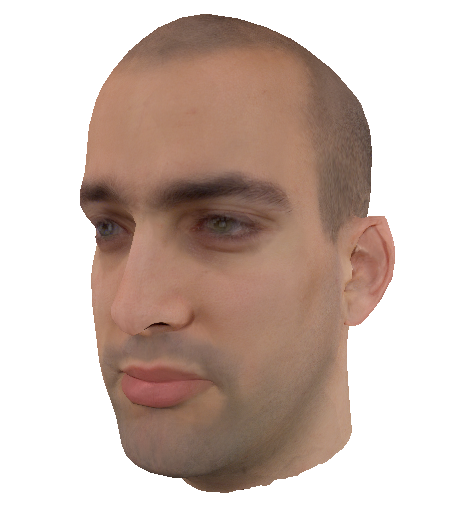
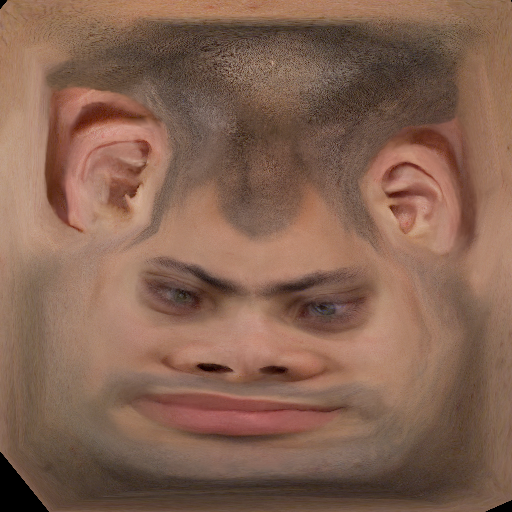
Low-Distortion Parameterization
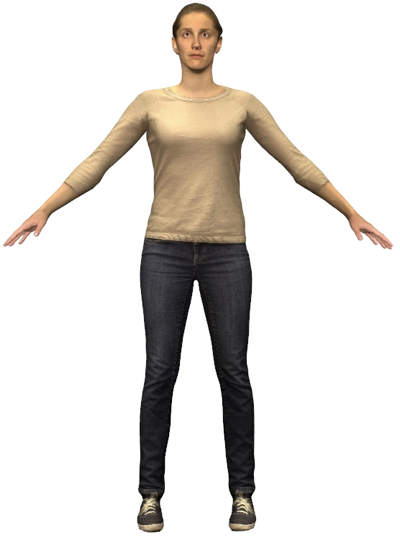
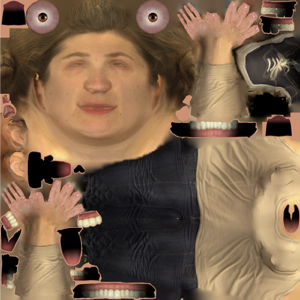
Texture Interpolation
- How to get color value from real-valued texture coordinates \((u,v)\), such as \((u,v) = (6.4, 3.7)\)?
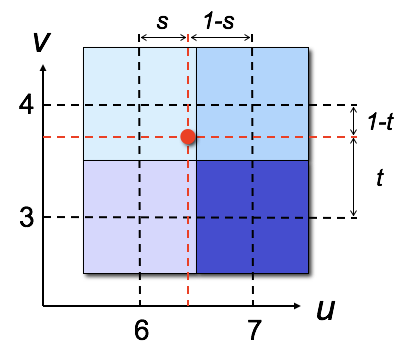
Round to nearest integer coordinate
color = tex[6,4];
Bilinear interpolation of neighboring texture pixels
color = (1-s)*(1-t)*tex[6,3] + (1-s)*t*tex[6,4]
              s*(1-t)*tex[7,3] +     s*t*tex[7,4];
Magnification Filter
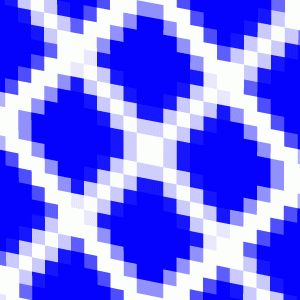 nearest
 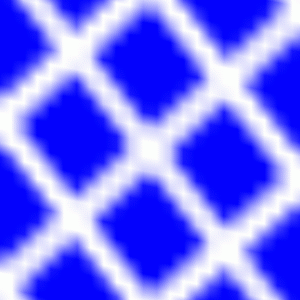 linear
Magnification Filter
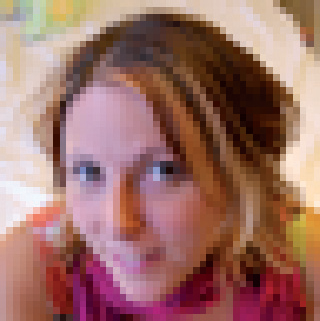 nearest
  linear
Minification Filter
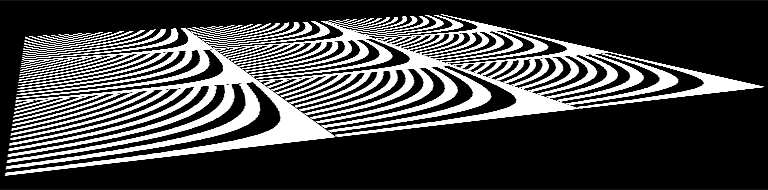
Minification Filter
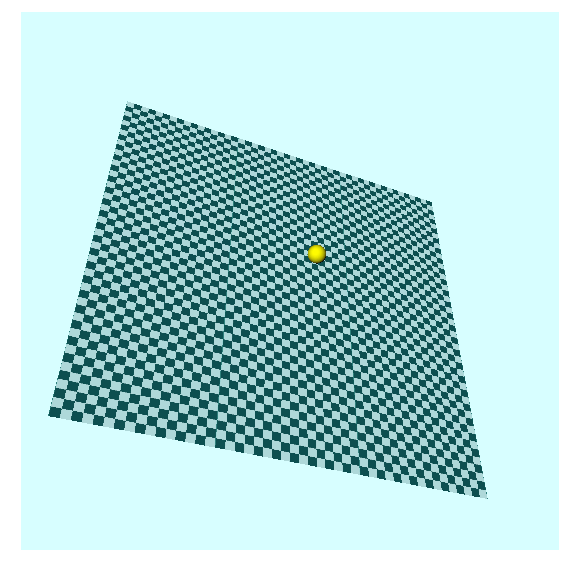
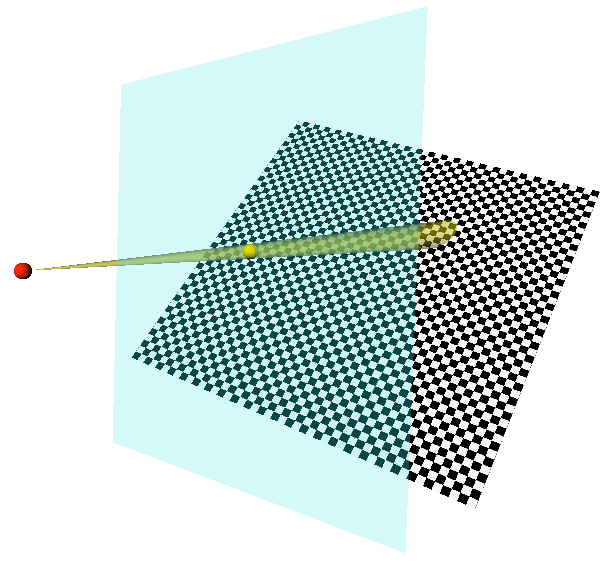
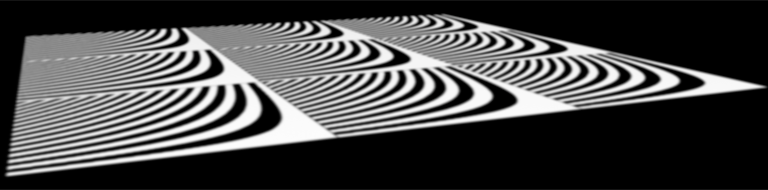
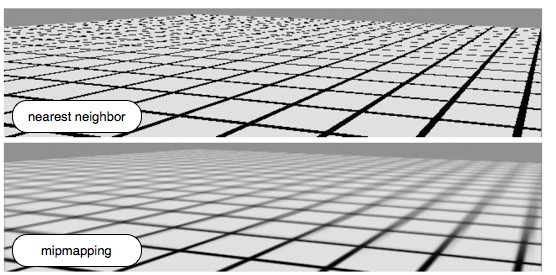
- Point sampling is the wrong model
- Texture minification leads to aliasing
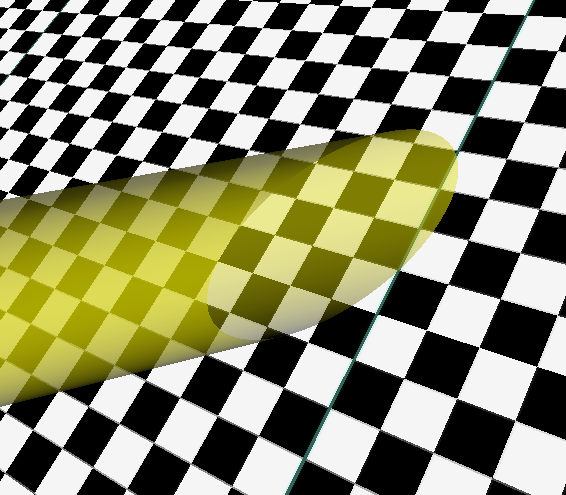
- Integrate over image pixel’s area in texture space
- Approximated by an ellipse
- Elliptically weighted averaging (EWA filtering)
Minification Filter
Mip-Mapping
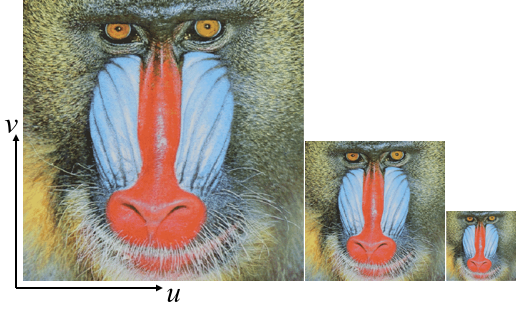
- Store texture at multiple levels-of-detail
- MIP comes from the Latin “multum in parvo”: a multitude in a small space.
- Precompute down-scaled versions of texture image
- Use lower-resolution versions when far from camera
- OpenGL picks the most suitable image resolution for each per-pixel texture lookup based on pixel’s depth value
Light Maps
Alpha Maps
- Discard transparent texture pixels (alpha=0) in fragment shader. Frequently used for real-time rendering of plants.
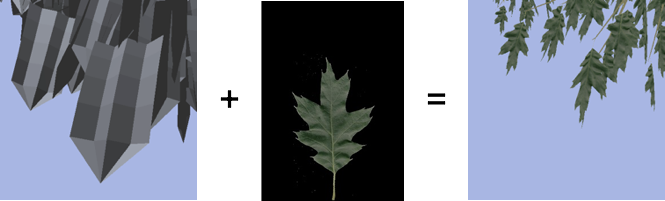
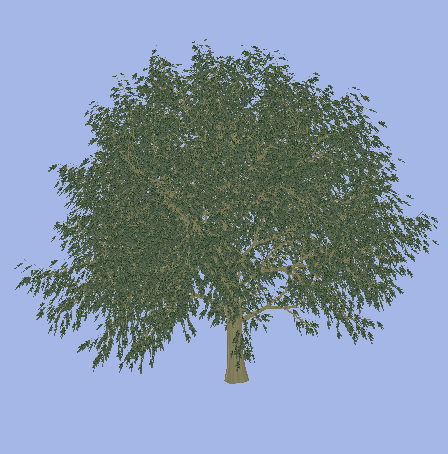
Alpha Maps
- Discard transparent texture pixels (alpha=0) in fragment shader. Frequently used for real-time rendering of plants.
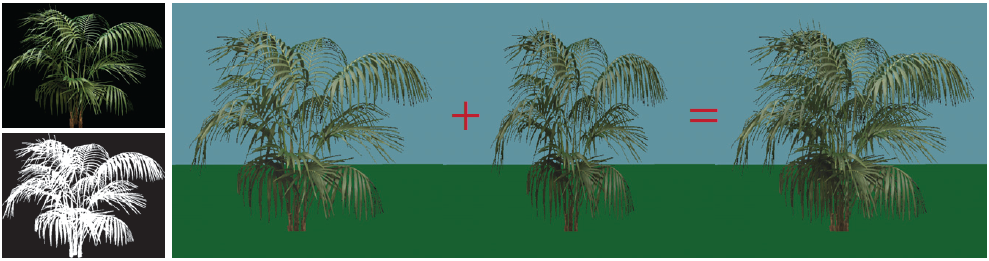
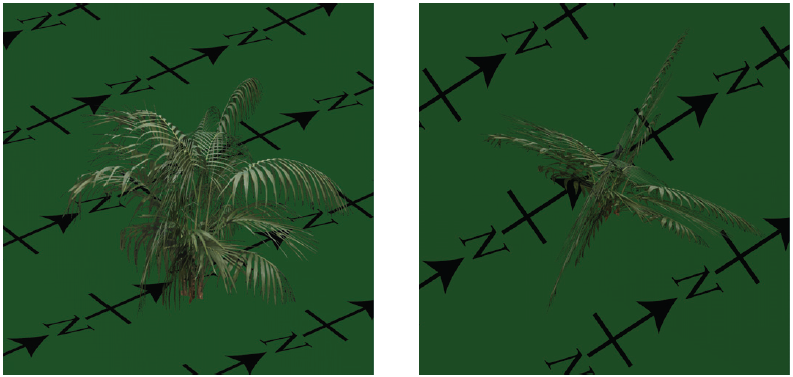
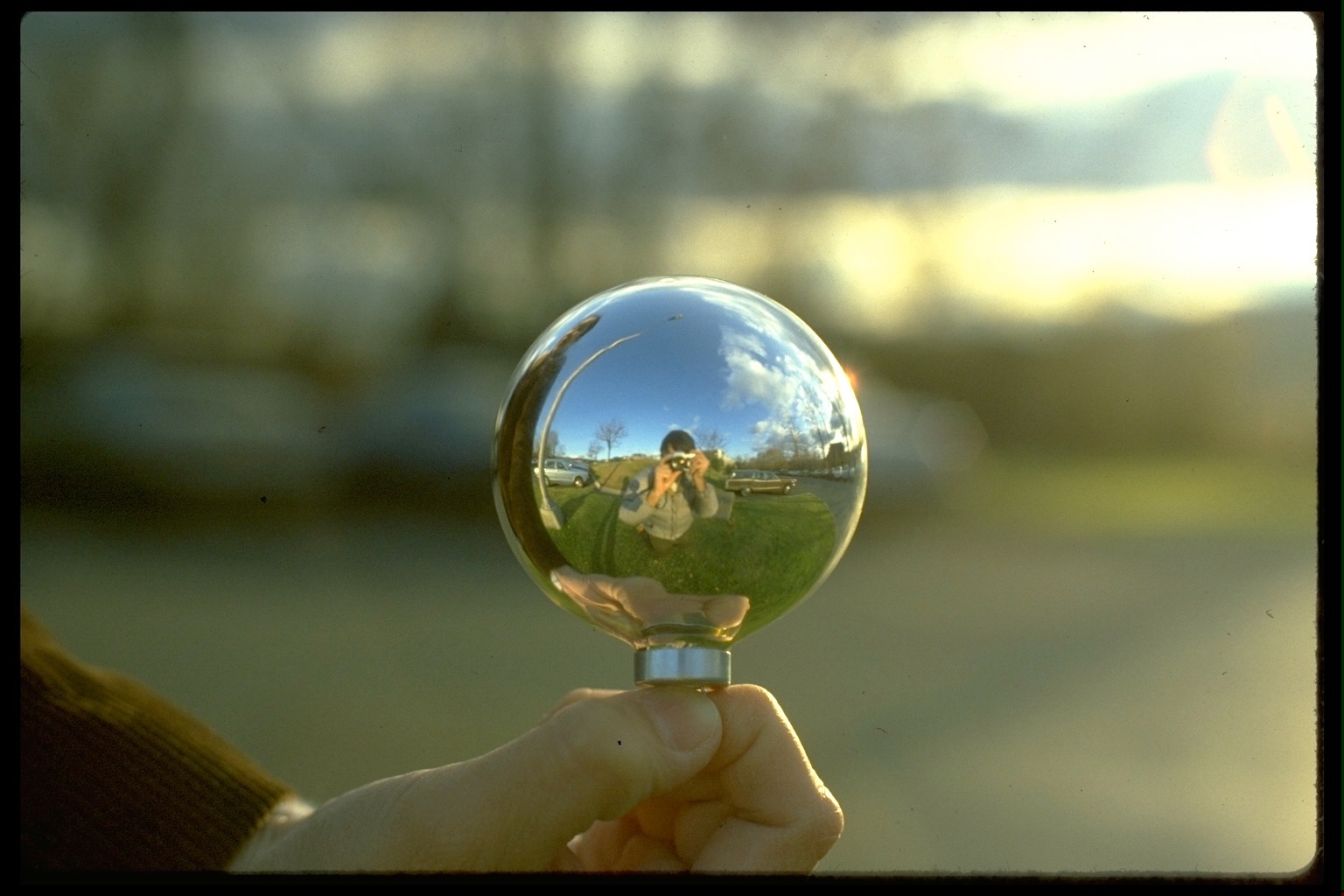
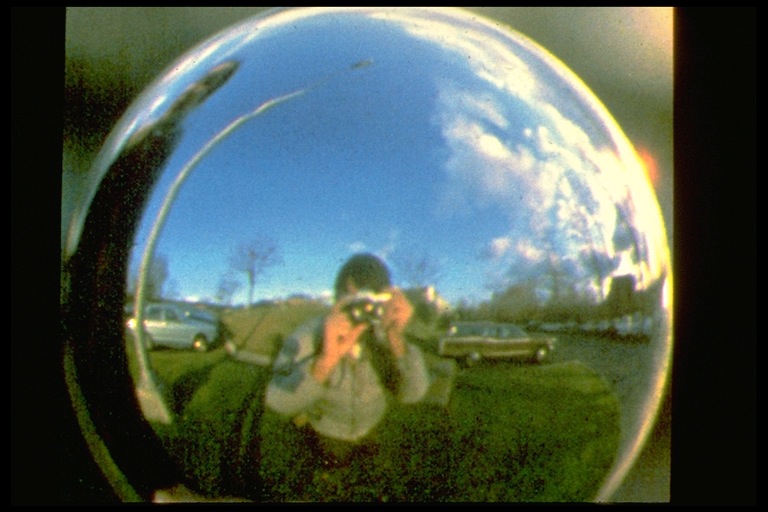
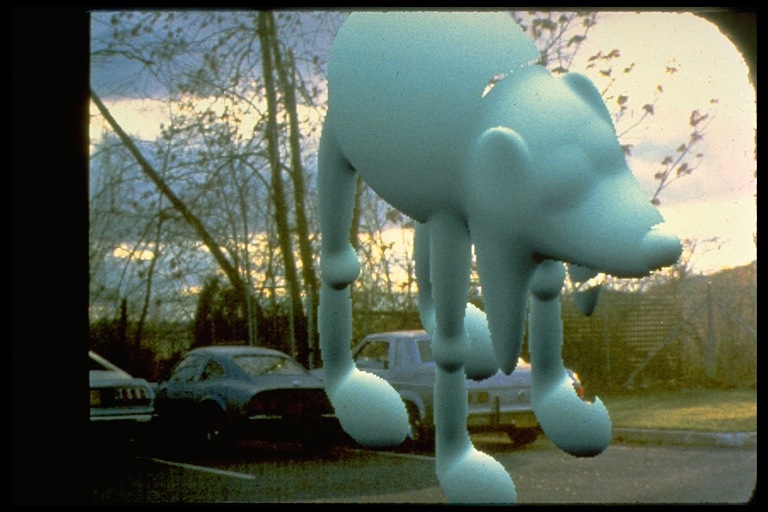
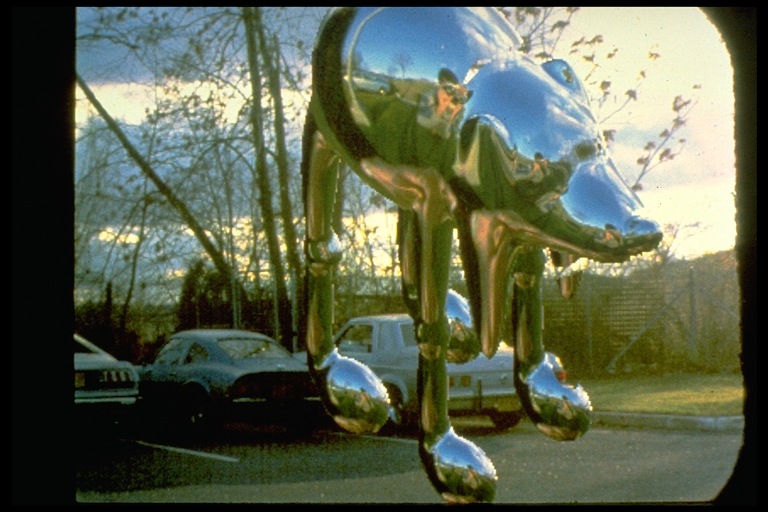
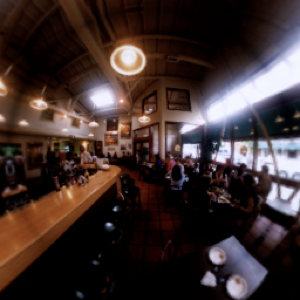
Environment Maps
- Approximate reflections of environment at surface.
- Environment is assumed to be far away from object.
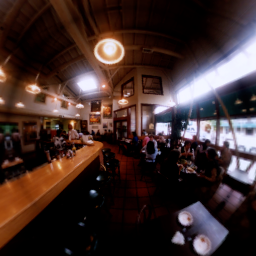
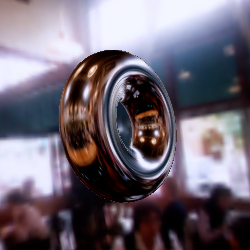
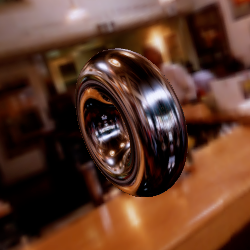
Spherical Environment Maps
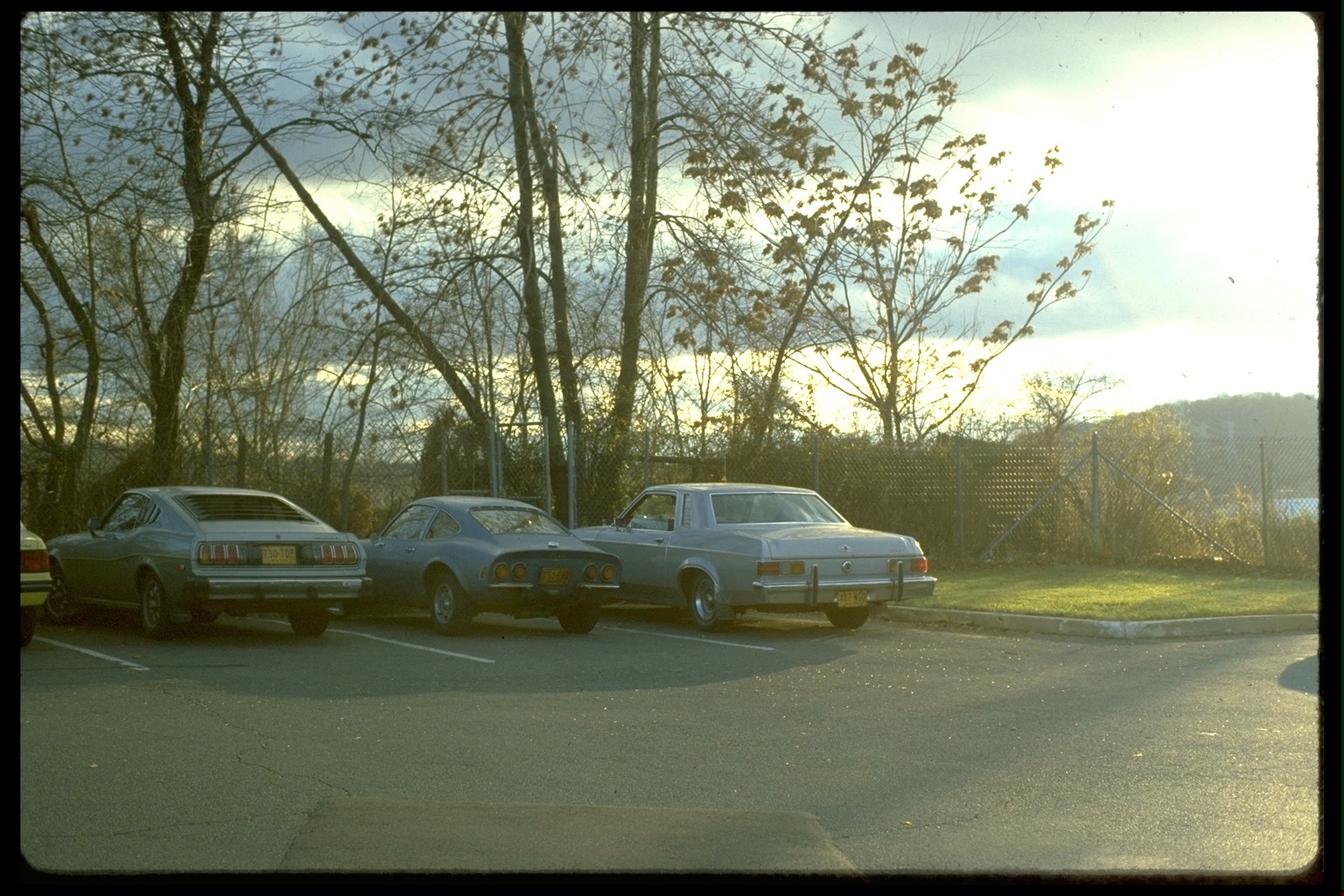
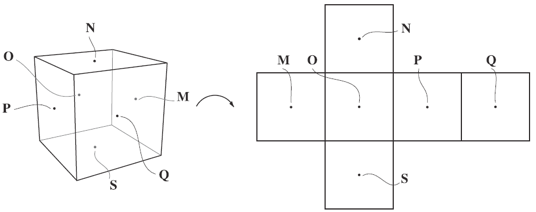
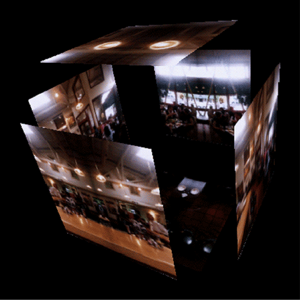
Cube Environment Maps
- Cube maps are the preferred representation.
Bump Maps
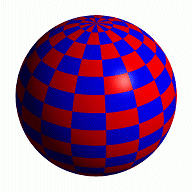
- Add surface detail without increasing geometric complexity
- Perturb surface normal before lighting
- Assume bumps are small compared to geometry
- Bump pattern is taken from a texture
 normal rendering
 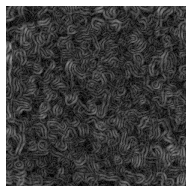 bump map
 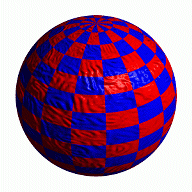 bump-mapped result
Bump Maps
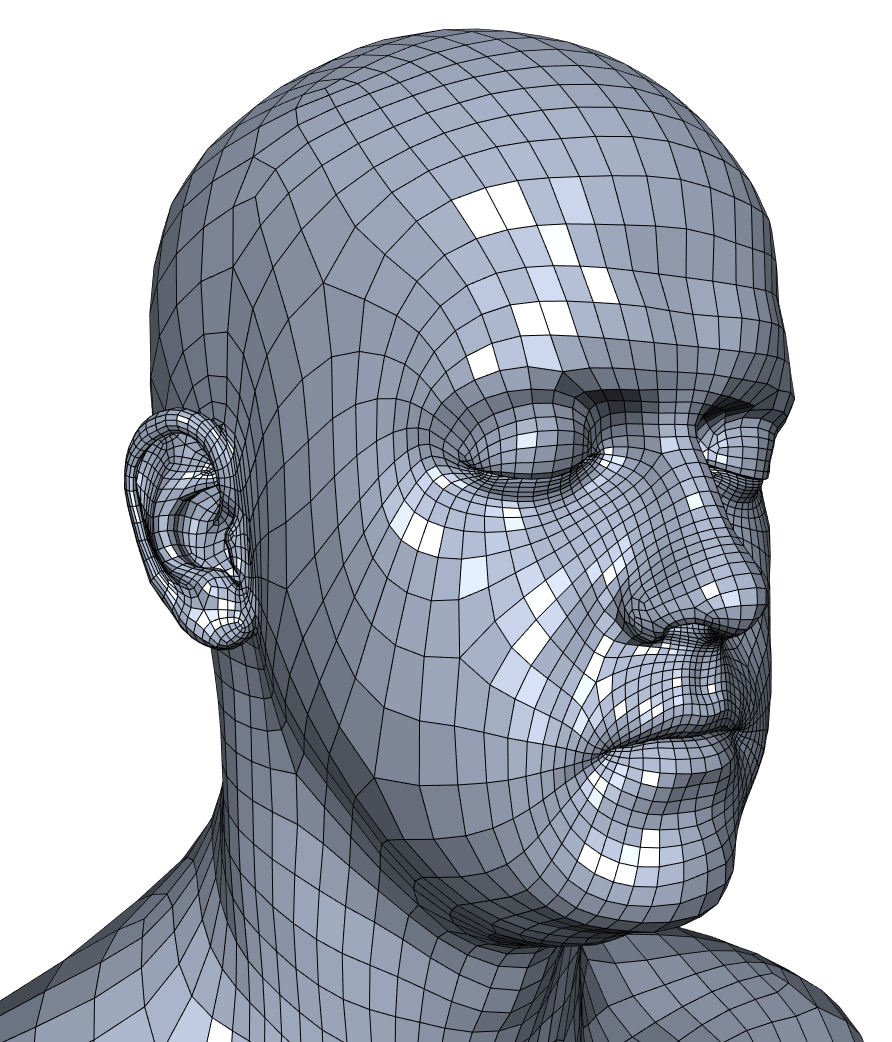 Coarse mesh
 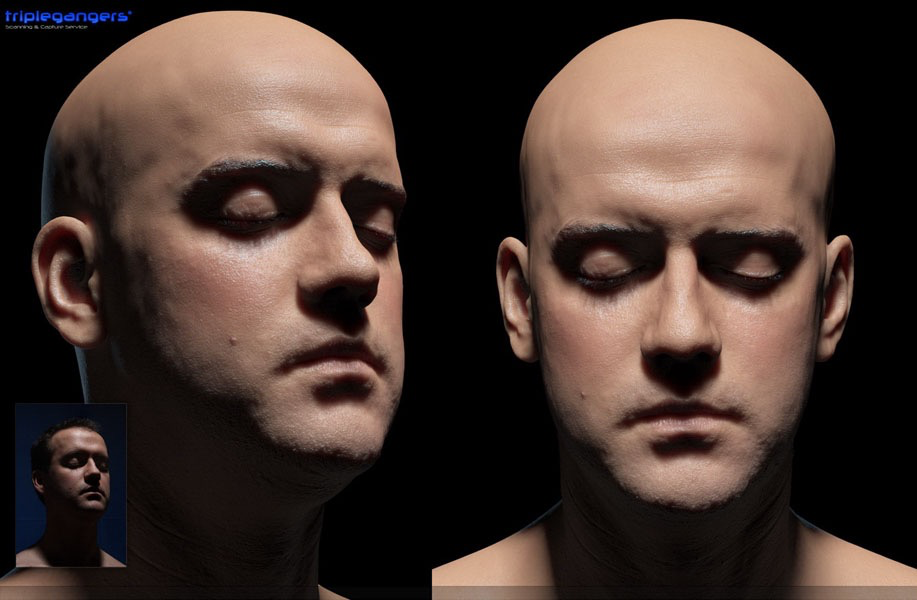 Diffuse map + specular map + bump map + …map
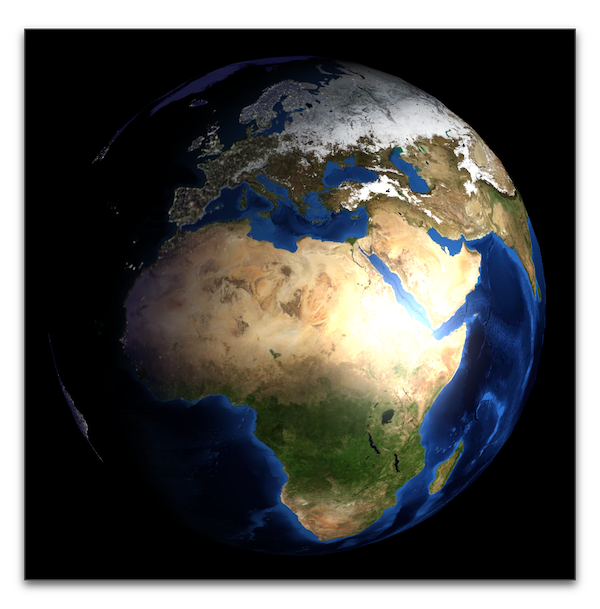
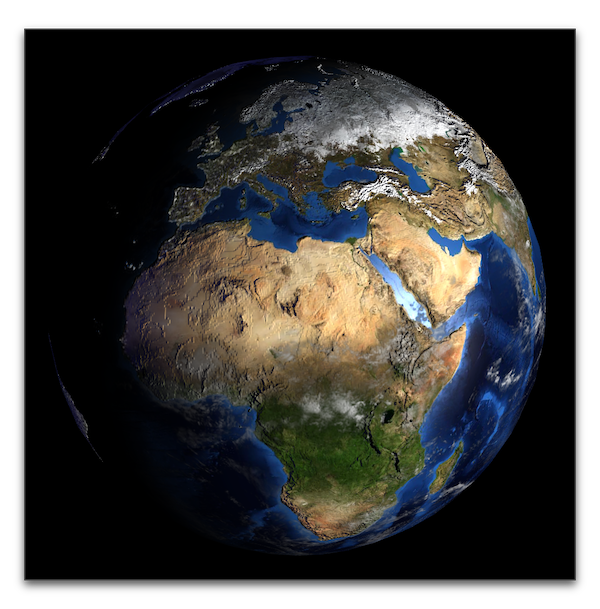
Nice Earth Textures
- NASA project Blue Marble: Next Generation
- Merged from many input images (from 2004)
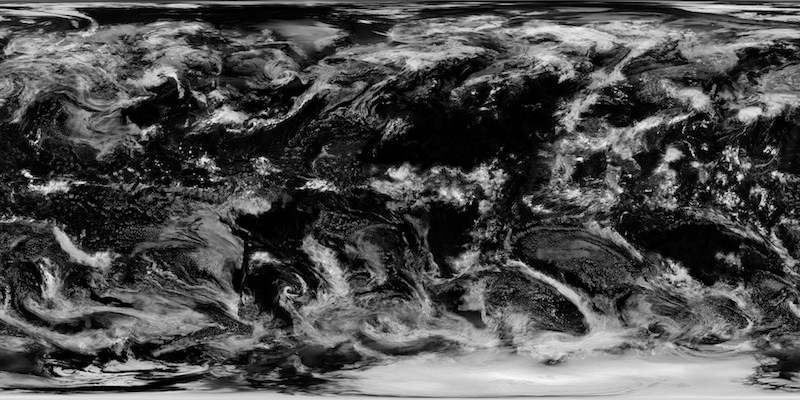
- Monthly day textures, night texture, clouds, …
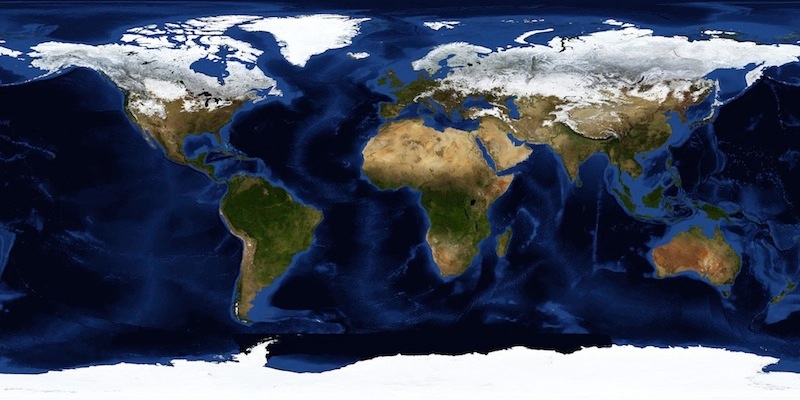
2D Texture
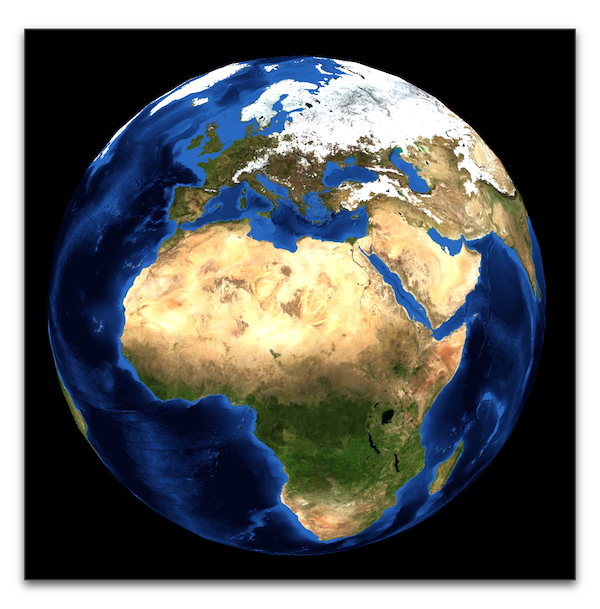
+ Diffuse and Specular Lighting
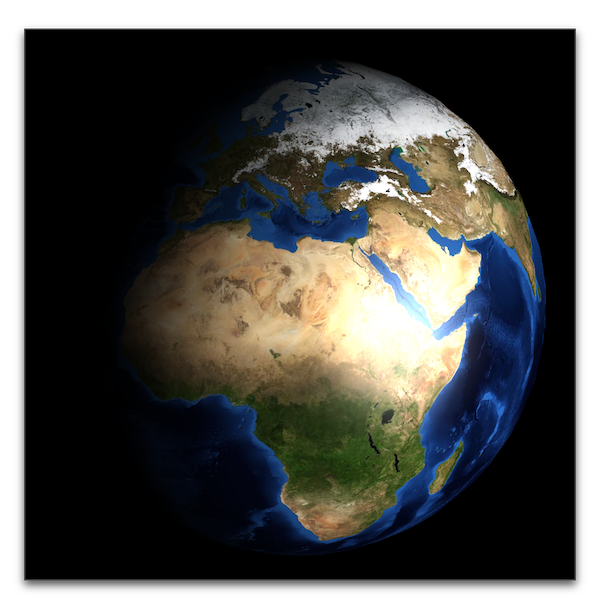
+ Night Texture
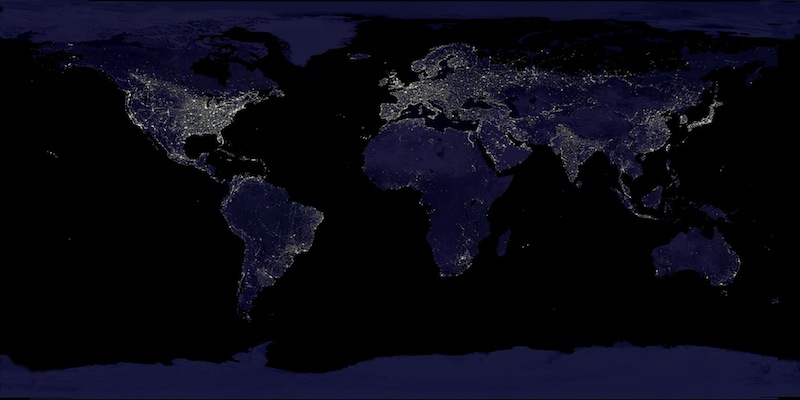
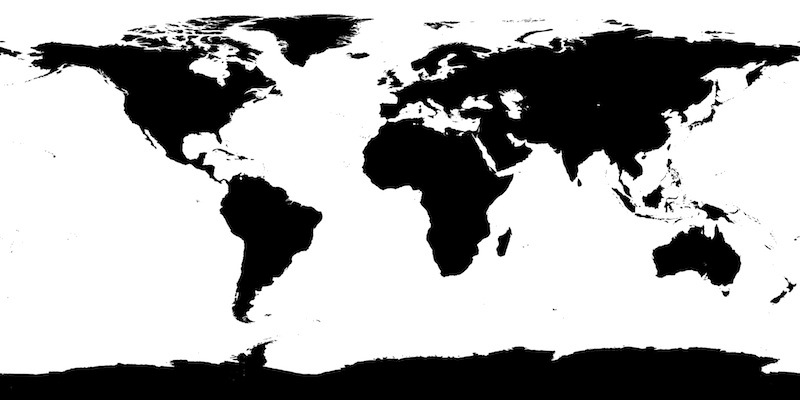
+ Specularity Map
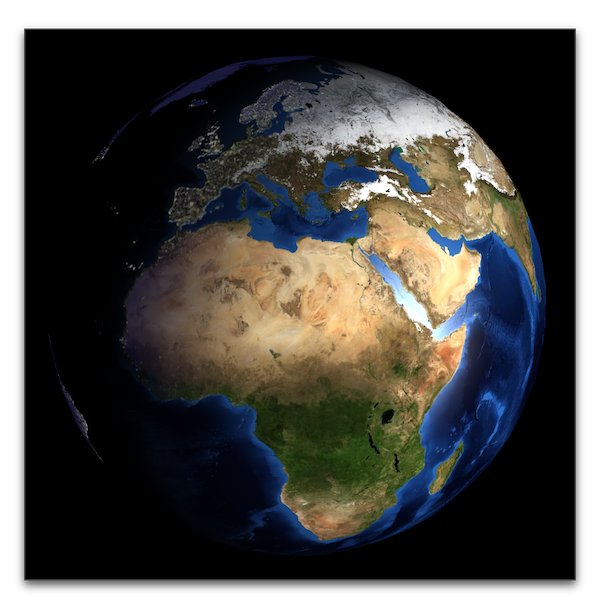
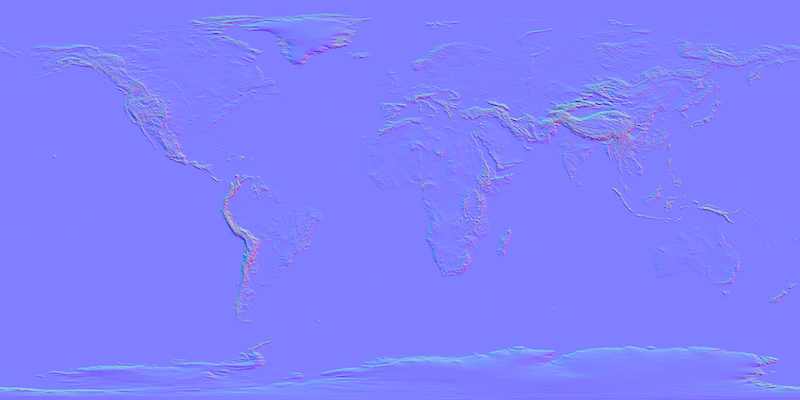
+ Normal Map
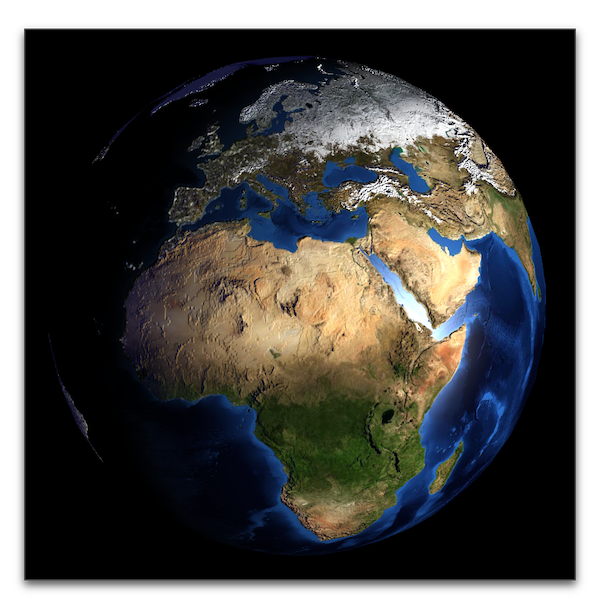
+ Clouds
Acknowledgments
Many thanks to Hartmut Schirmacher for providing aligned textures and initial WebGL code!

Beuth Hochschule für Technik Berlin
Literature
- Akenine-Möller, Haines, Hoffman: Real-Time Rendering, Taylor & Francis, 2008.
- Chapter 6
- Shreiner, Seller, Kessenich, Licea-Kane: OpenGL Programming Guide, 8th edition, 2013.
- Chapter 6

Shadows
- Shadows are important for 3D depth perception
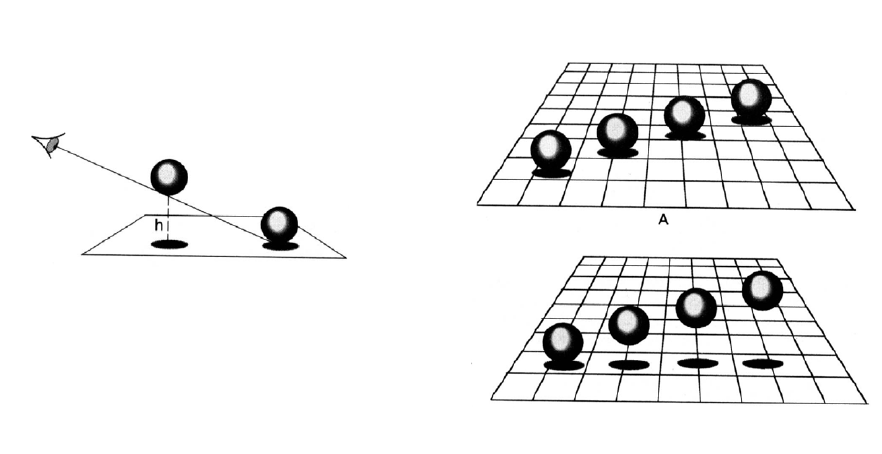
Shadows
- Shadows are important for 3D depth perception
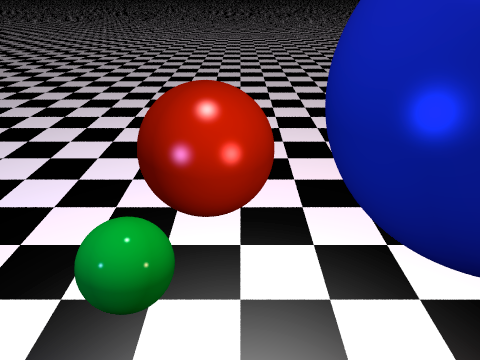
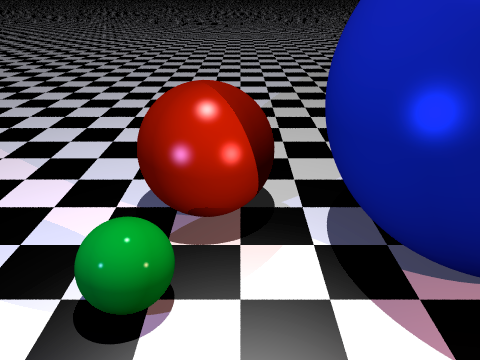
Shadows
- Shadows are important for 3D depth perception
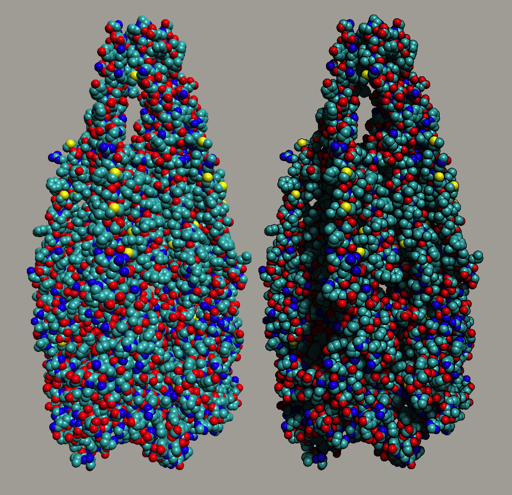
Shadows
- Shadows are important for 3D depth perception
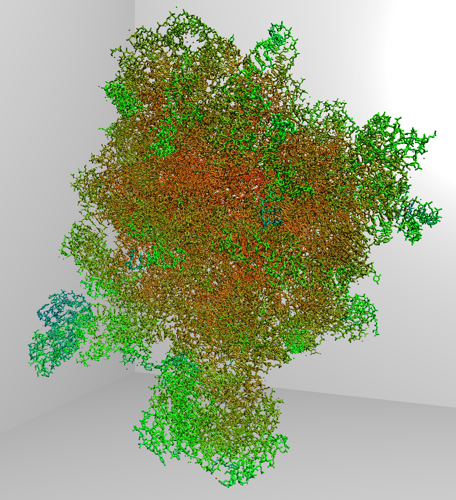
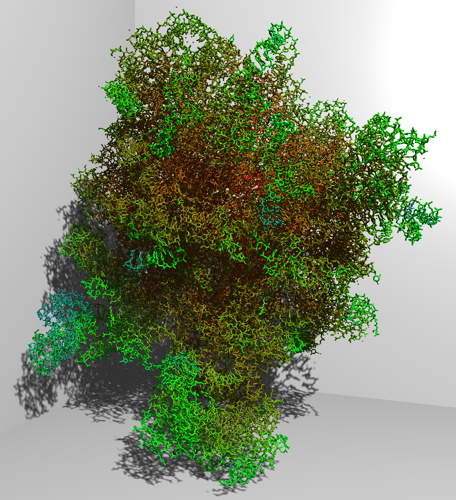
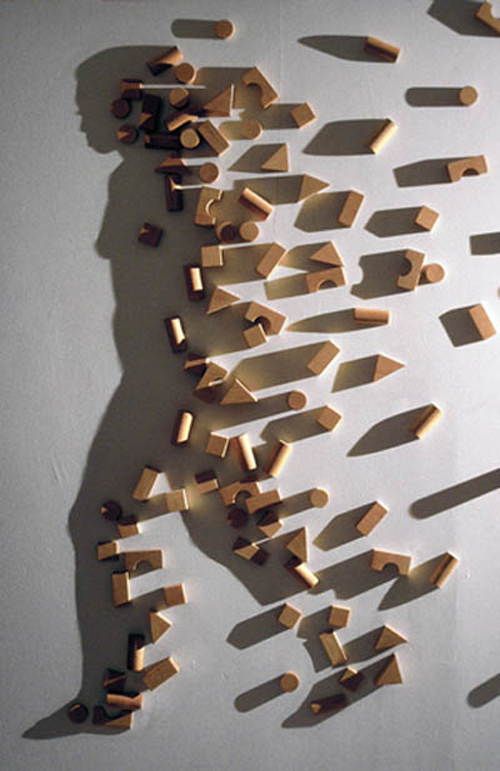
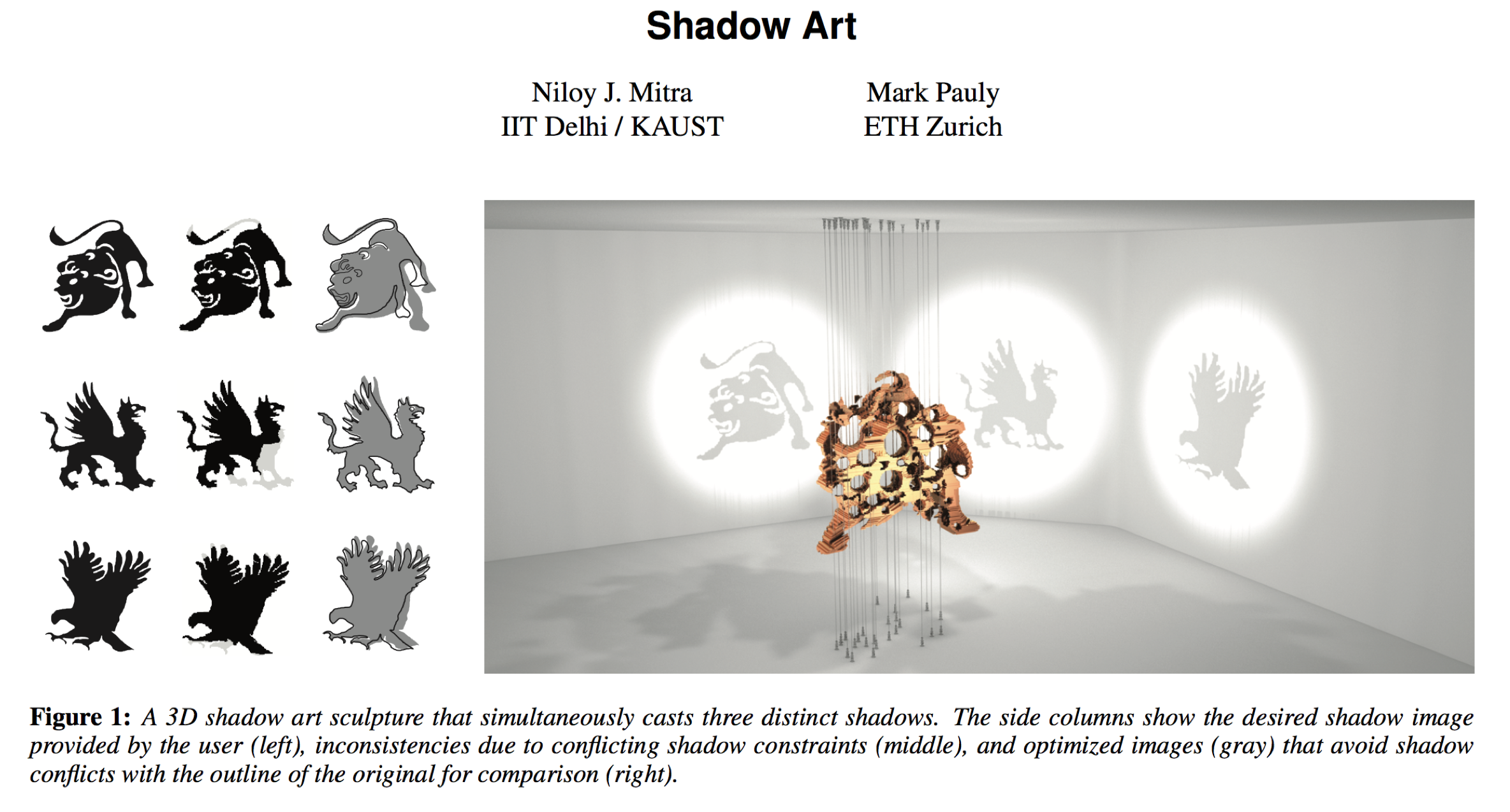
Shadow Art
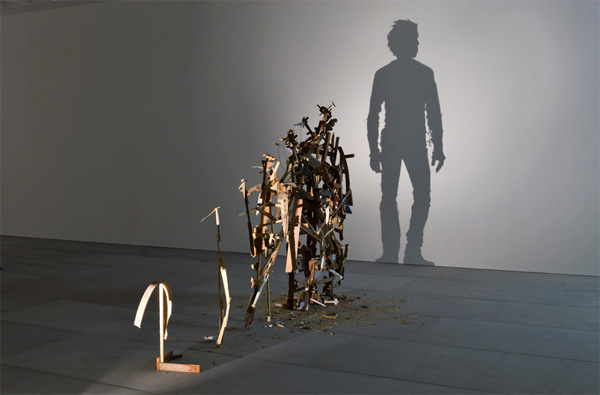
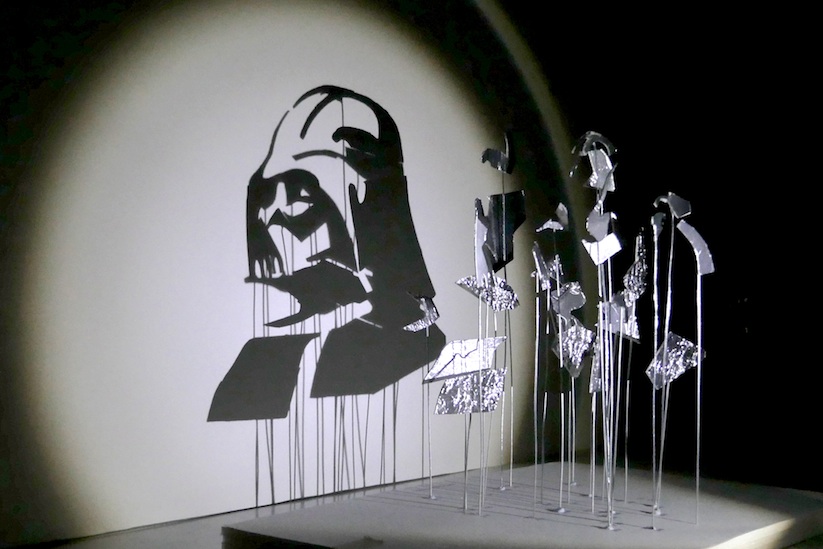
Shadow Art Research
Light Maps & Shadows
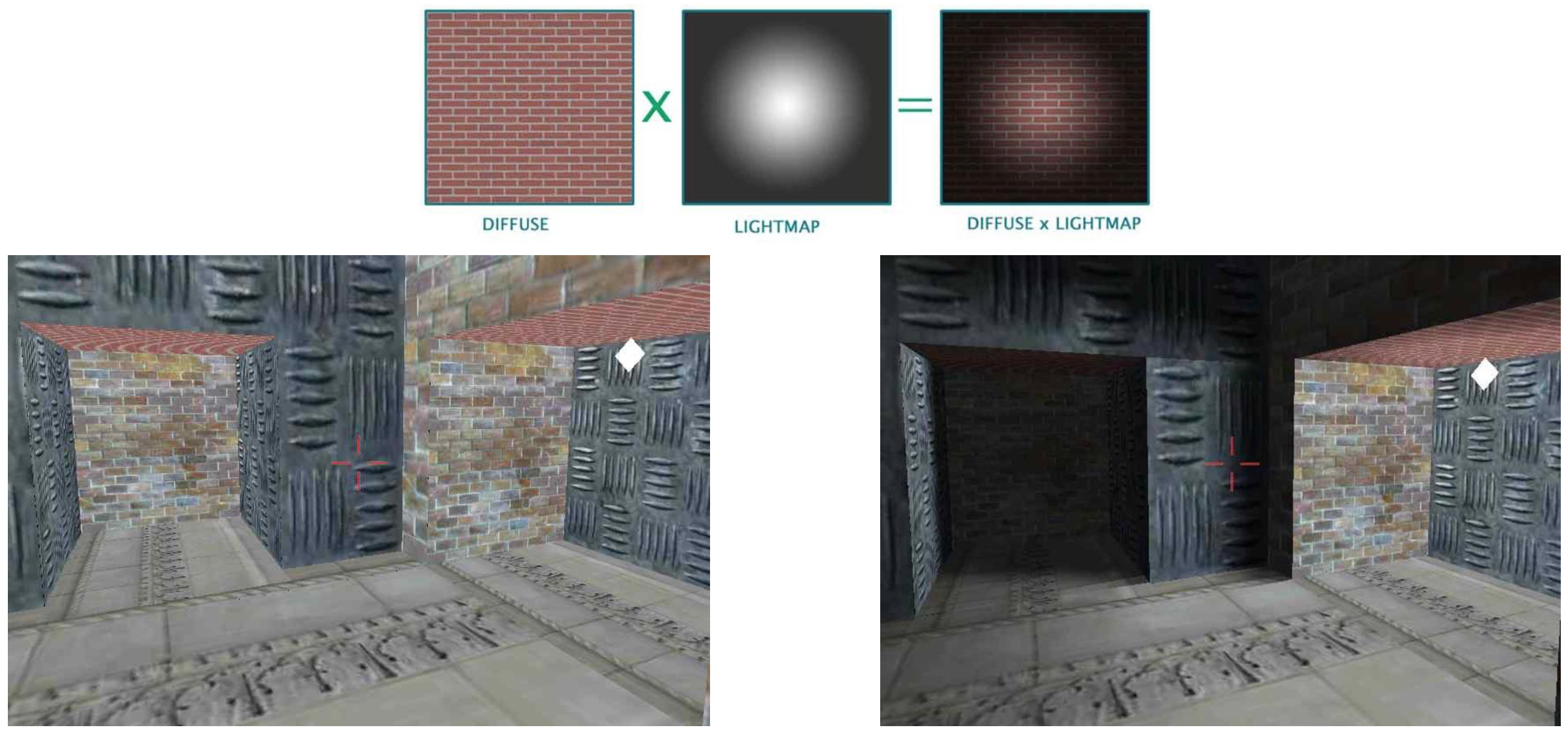
- Store precomputed lighting in textures
- Precomputation can take shadows into account
- Works for static scenes only
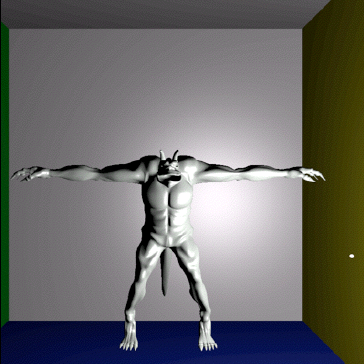
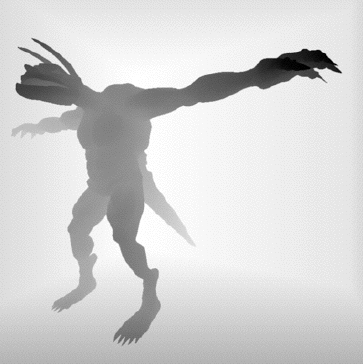
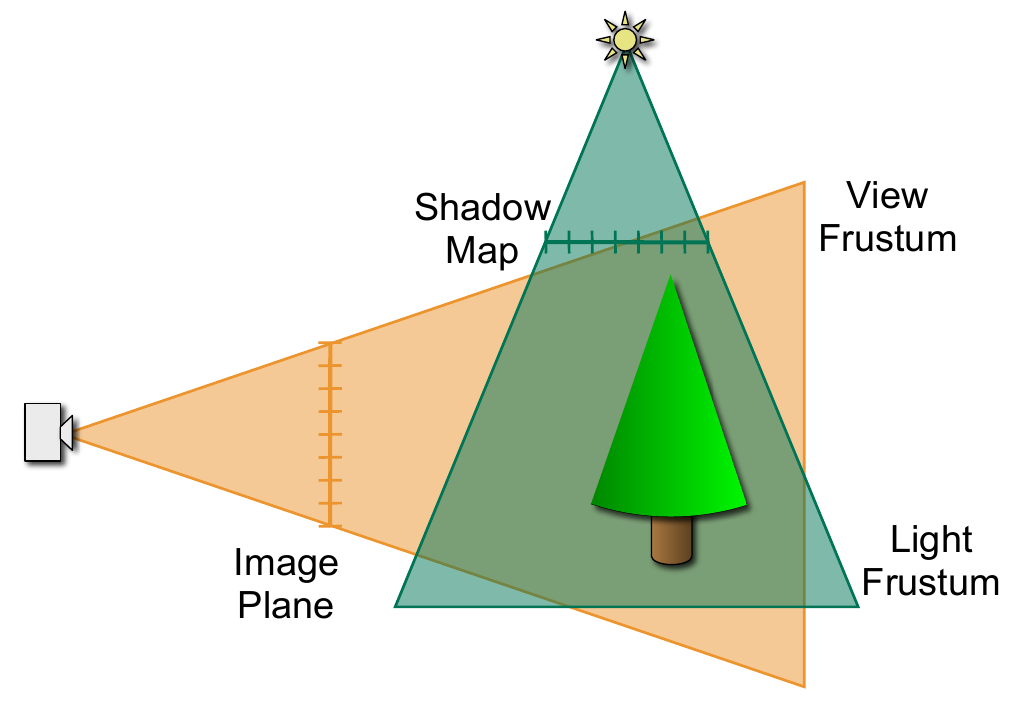
Shadow Maps
- Render scene as seen from light source
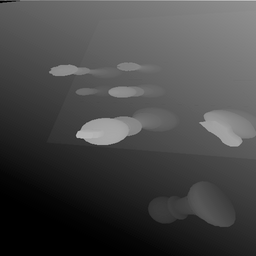
- Store z-buffer (holds distance to light)
- Light’s z-buffer is called shadow map
Shadow Maps
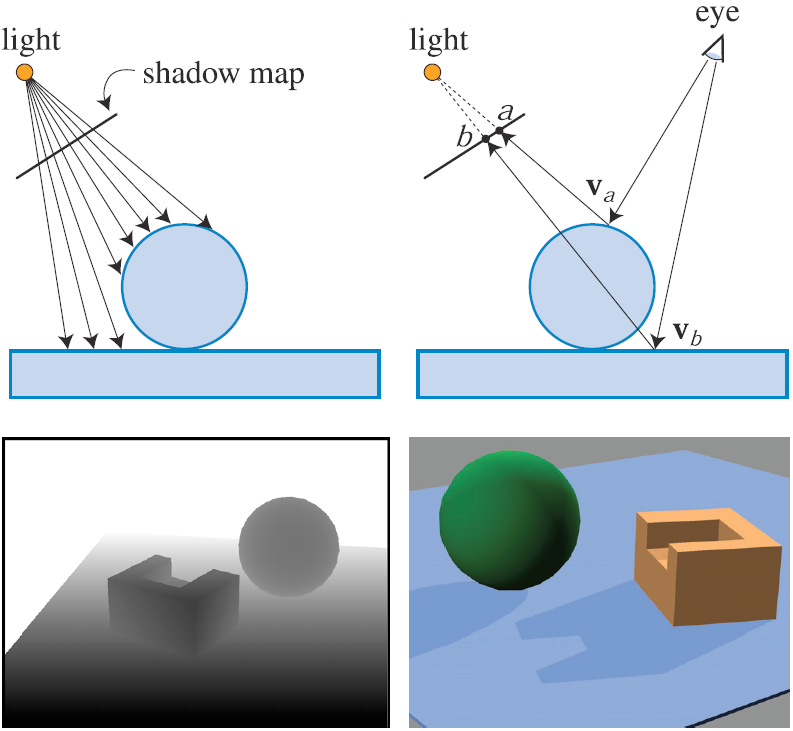
Shadow Maps
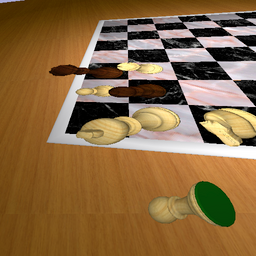
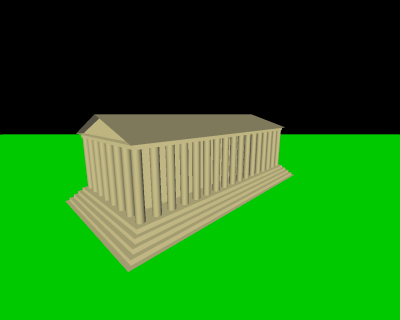 Scene without shadows
 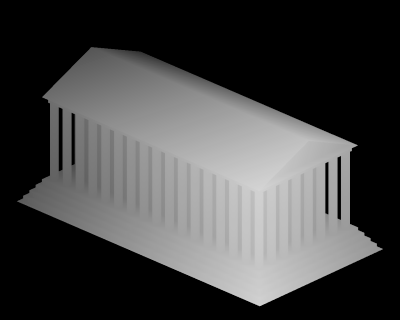 z-buffer of light’s view
 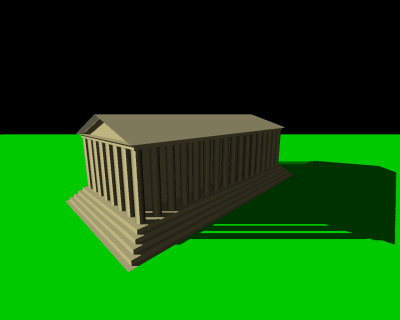 Scene with shadows
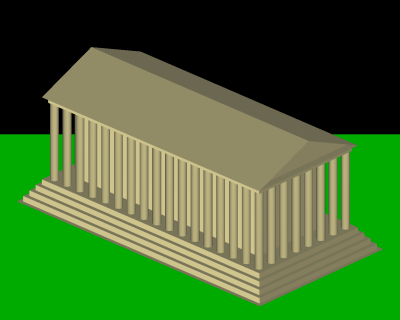 Seen from light’s view
 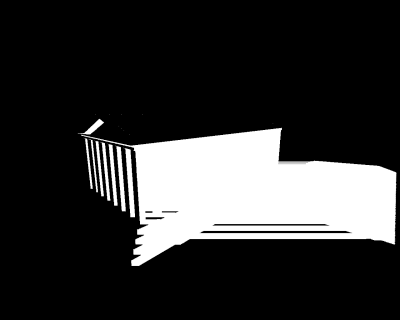 Pixels in shadow
Shadow Map Aliasing
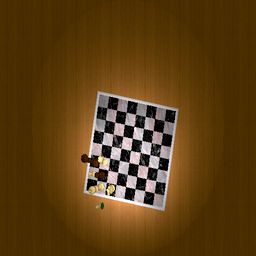
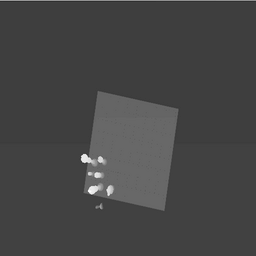
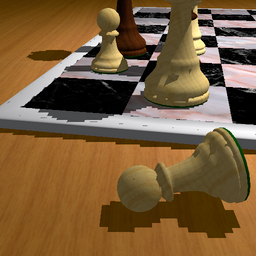
Perspective Shadow Maps
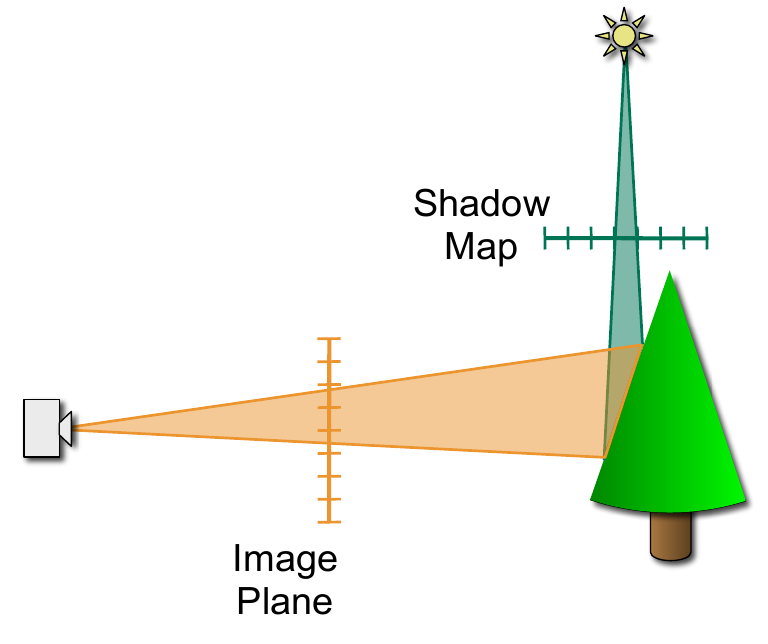
Projection Aliasing
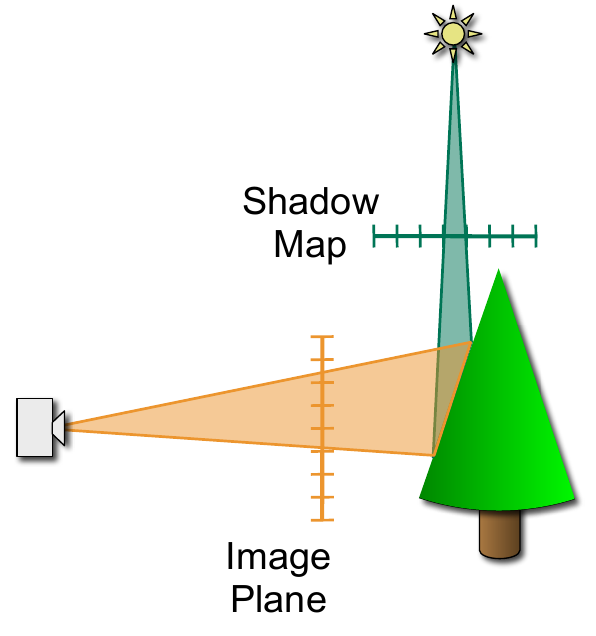
Perspective Aliasing
Perspective Shadow Maps
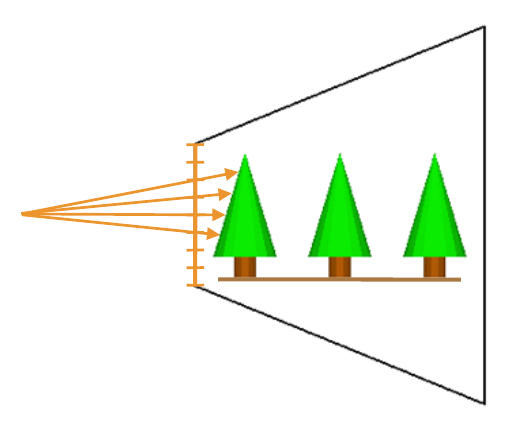
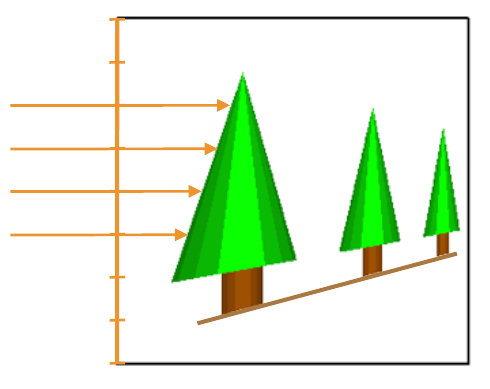
Perspective Shadow Maps
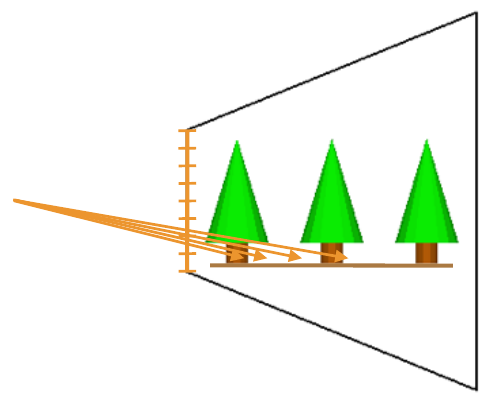
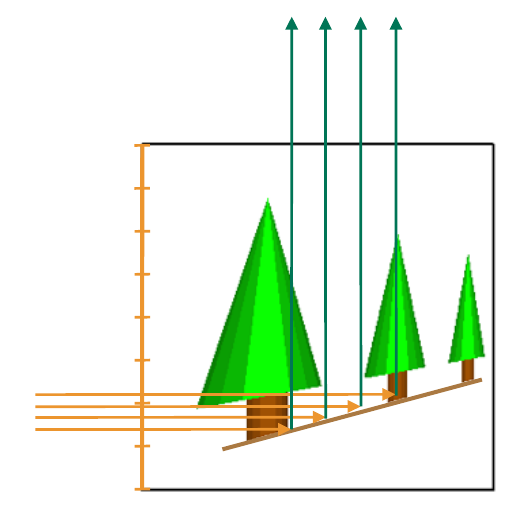
Perspective Shadow Maps
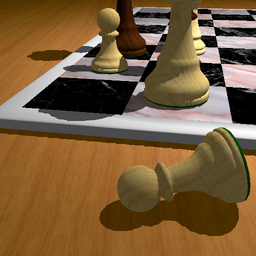
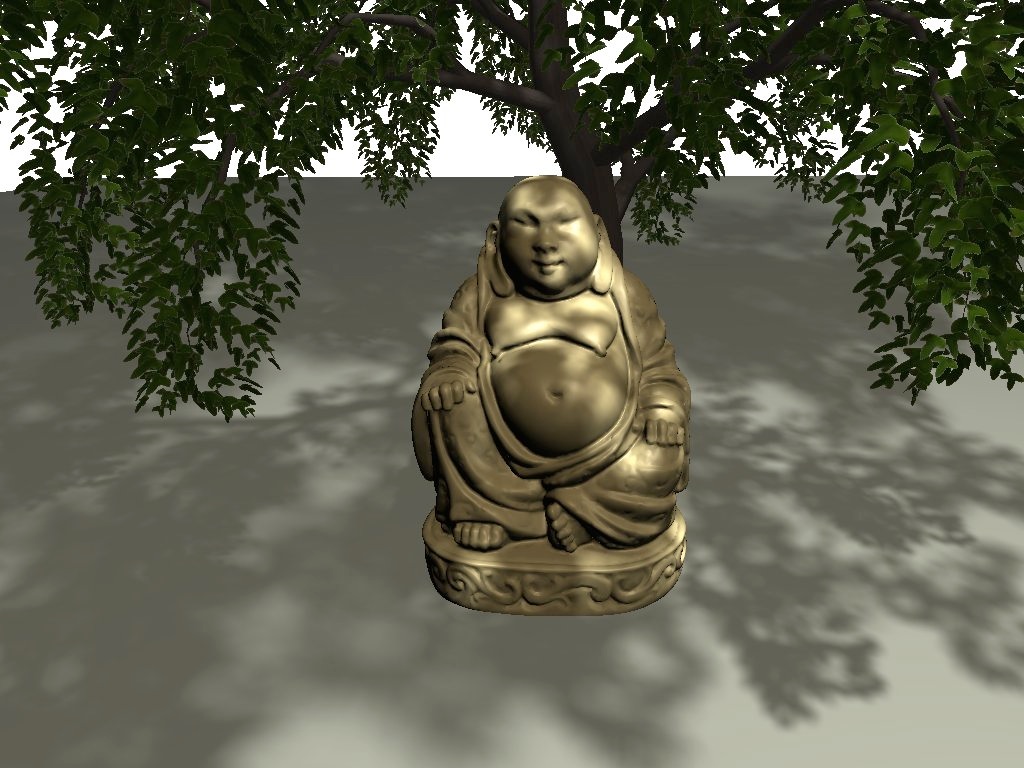
Soft Shadows?
Literature
- Hughes et al.: Computer Graphics: Principles and Practice, 3rd Edition, Addison-Wesley, 2014.
- Chapters 5.6, 15

- Shreiner et al: OpenGL Programming Guide, 8th edition, Addison-Wesley, 2013.
- Chapter 7
- Nvidia GPU Gems
- Chapter Perspective Shadow Maps: Care and Feeding